 ESX
ESX
 QBCore
 QBox
QBox
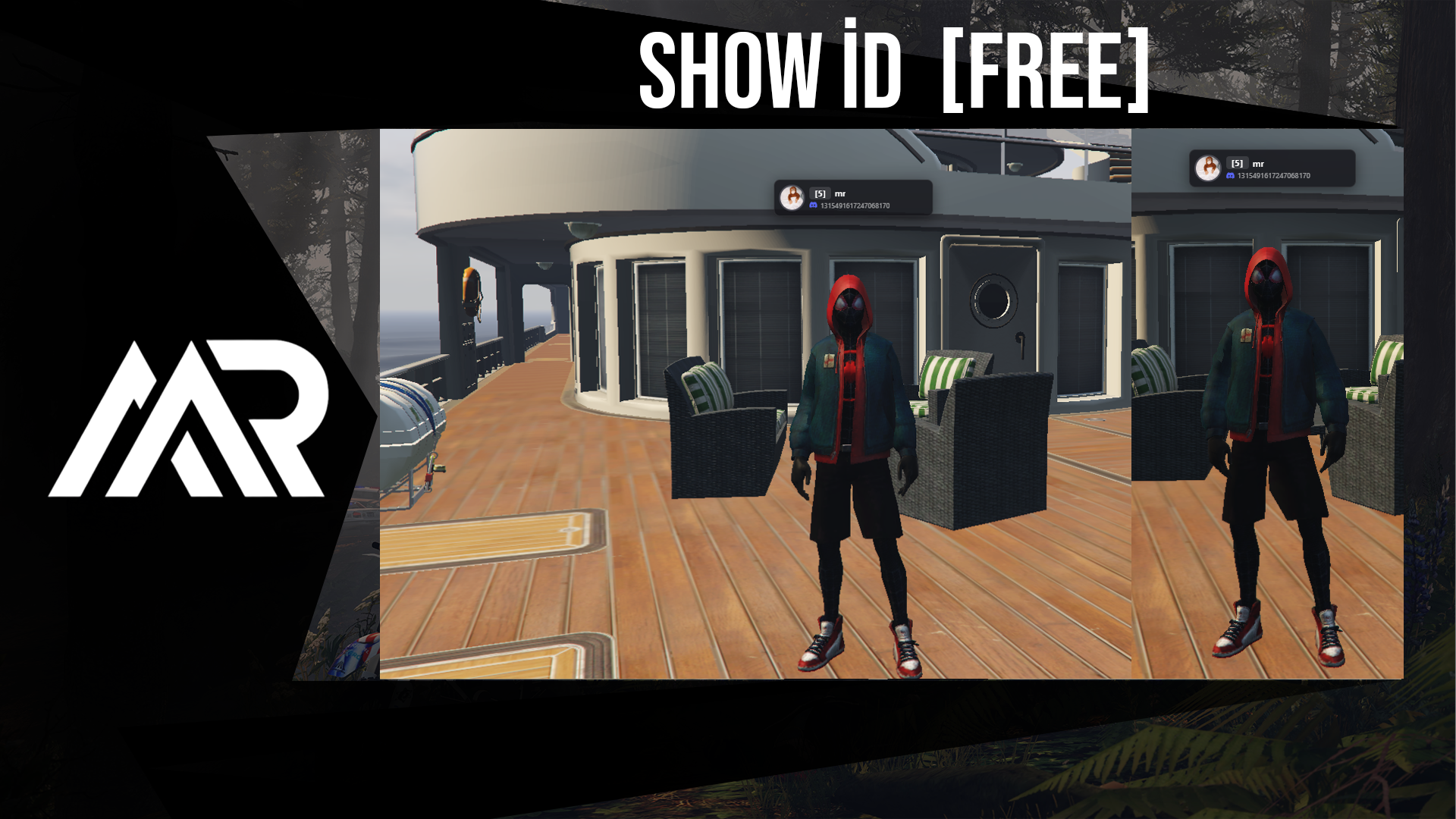
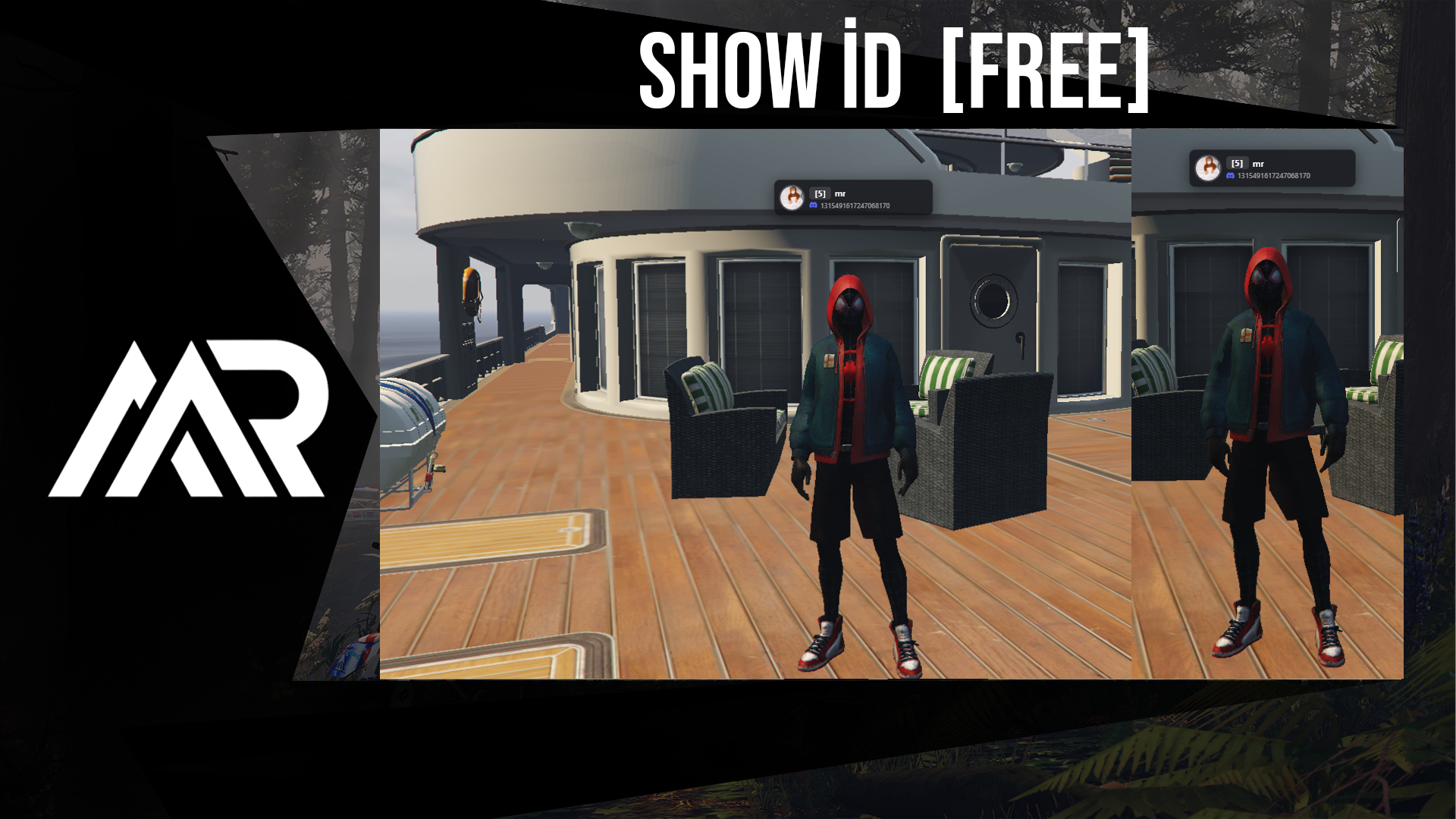
mr-showid — Player ID Card System for FiveM
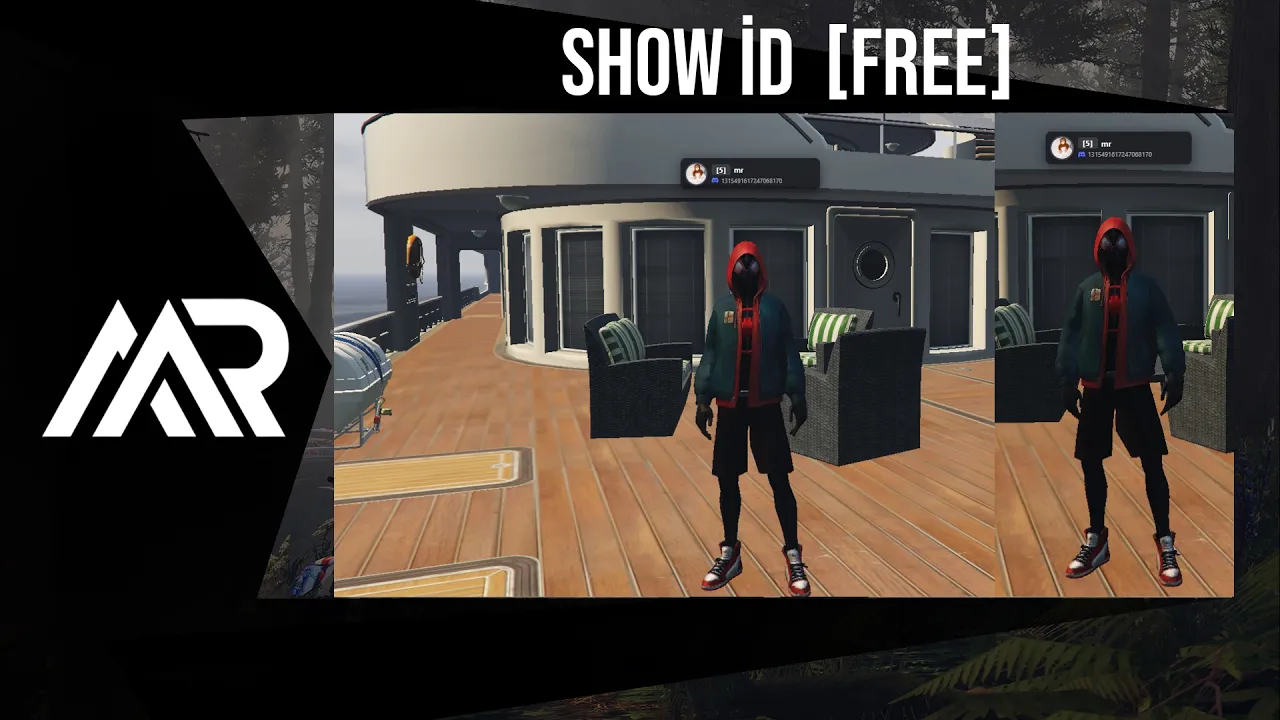
See who's around you. mr-showid displays floating ID cards above nearby players in real time — with profile photos, server ID, name, and identifier. Hold a key or use a command to reveal, and cards scale naturally with distance.
Features
Floating ID Cards
- 3D world-anchored cards appear above players' heads when activated
- Cards scale dynamically with distance — closer players appear larger, further ones smaller
- Only visible players within the draw distance are shown, keeping the screen clean
- Cards automatically hide when deactivated — no performance cost at idle
Two Activation Modes
- Hold key — hold Alt (configurable) to reveal cards while held
-
Command — type
/id(configurable) to pin cards on screen for a set duration (default 10 seconds)
Avatar Support
- Discord profile picture via Bot token (animated GIF avatars supported)
- Steam profile picture via Web API key
- Falls back gracefully if no avatar is available
Identifier Display
- Choose which identifier to show on the card:
discord,steam, orlicense - Configured with a single line in
config.lua
Vehicle Support
- When the local player is inside a vehicle, their own ID card is shown above themselves
- Nearby players on foot are detected within the configured draw distance
Server-Side Data
- All player data (name, identifiers, avatars) is built server-side on connect and broadcast to all clients
- Avatar fetching is async — no hitches or frame drops during gameplay
- Player list is kept in sync: new joins are added, disconnects are removed instantly
Easy Configuration
Everything is in config.lua:
- Activation key (default: Alt)
- Command name (default:
id) - Command pin duration (milliseconds)
- Draw distance (default: 8.0 units)
- Card height offset above head
- Min / max scale and scale falloff factor
- Identifier to display:
discord,steam, orlicense - Avatar source: Discord Bot token and/or Steam Web API key
Requirements
- FiveM server (artifact 5181+)
- Lua 5.4
- Standalone — no framework required (works with QBCore, ESX, or any setup)
- Discord Bot token (optional — for Discord avatars)
- Steam Web API key (optional — for Steam avatars)